Make your first Git commit
Stage a file, create a commit and confirm what Git recorded.
Start in an empty directory
Make a practice directory, open a terminal there and save a sentence in notes.md. Initialize Git and check the status.
git init
git status --short
The ?? notes.md entry identifies the new untracked file.
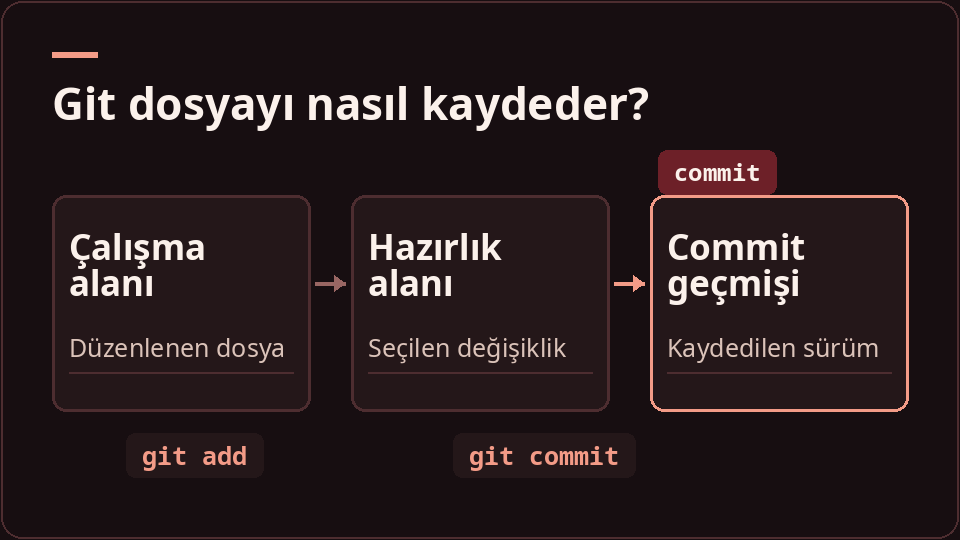
Stage the change
Stage the file and inspect the exact version Git will record. Stage it again if you edit it before committing.
git add notes.md
git diff --cached -- notes.md
Commit and verify
git commit -m "Add the first note"
git show --name-only --oneline HEAD
git status --short
Check that the latest commit includes notes.md. An empty status means the working tree is clean. If Git asks for your identity, set user.name and user.email for this practice repository before trying again.