Verify a file’s SHA-256 checksum
Compute the checksum of a file and compare it with the publisher’s trusted value.
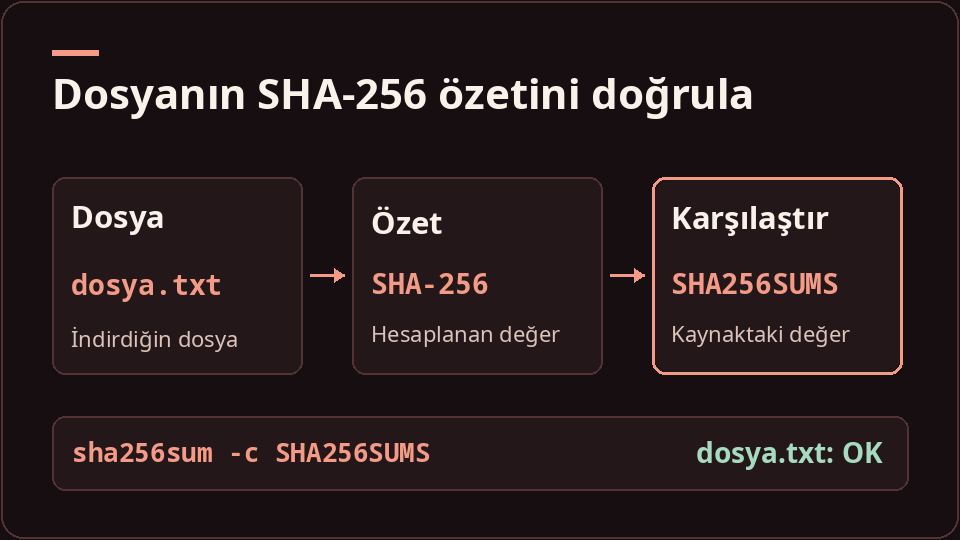
Compute the checksum
Run the command from the directory with your file. The first field is the SHA-256 value.
sha256sum -- "download.txt"Compare it with the checksum from a source you trust. A matching checksum verifies the bytes against that value.
Check a checksum list
Place the trusted SHA256SUMS list beside the referenced files. The command checks the files listed and reports whether each one matches.
LC_ALL=C sha256sum -c SHA256SUMSTry a practice file
Use a new practice directory. Create a short file, record its checksum and verify it. Change the file and run the check again to see the failure.
printf 'hello\n' > sample.txt
sha256sum -- sample.txt > SHA256SUMS
sha256sum -c SHA256SUMS
printf 'changed\n' >> sample.txt
sha256sum -c SHA256SUMS